文章目录
- 问题描述
- 解决办法
自从Docker Hub国内禁止后,导致kubesphere镜像会拉取失败,目前根据论坛解决方法可以在ClusterConfiguration CRD 中修改ks-install来解决
问题描述


由于网络问题,导致镜像会拉取失败,直接修改ks-apiserver也会被重置为kubesphere/ks-apiserver:v3.4.1地址
kubelet  (combined from similar events): Failed to pull image "kubesphere/ks-apiserver:v3.4.1": rpc error: code = Unknown desc = failed to pull and unpack image "docker.io/kubesphere/ks-apiserver:v3.4.1": failed to resolve reference "docker.io/kubesphere/ks-apiserver:v3.4.1": failed to do request: Head "https://registry-1.docker.io/v2/kubesphere/ks-apiserver/manifests/v3.4.1": dial tcp 45.114.11.25:443: i/o timeout
  Normal   BackOff  12s (x284635 over 48d)  kubelet  Back-off pulling image "kubesphere/ks-apiserver:v3.4.1"
解决办法
在CRD资源对象搜索ClusterConfiguration
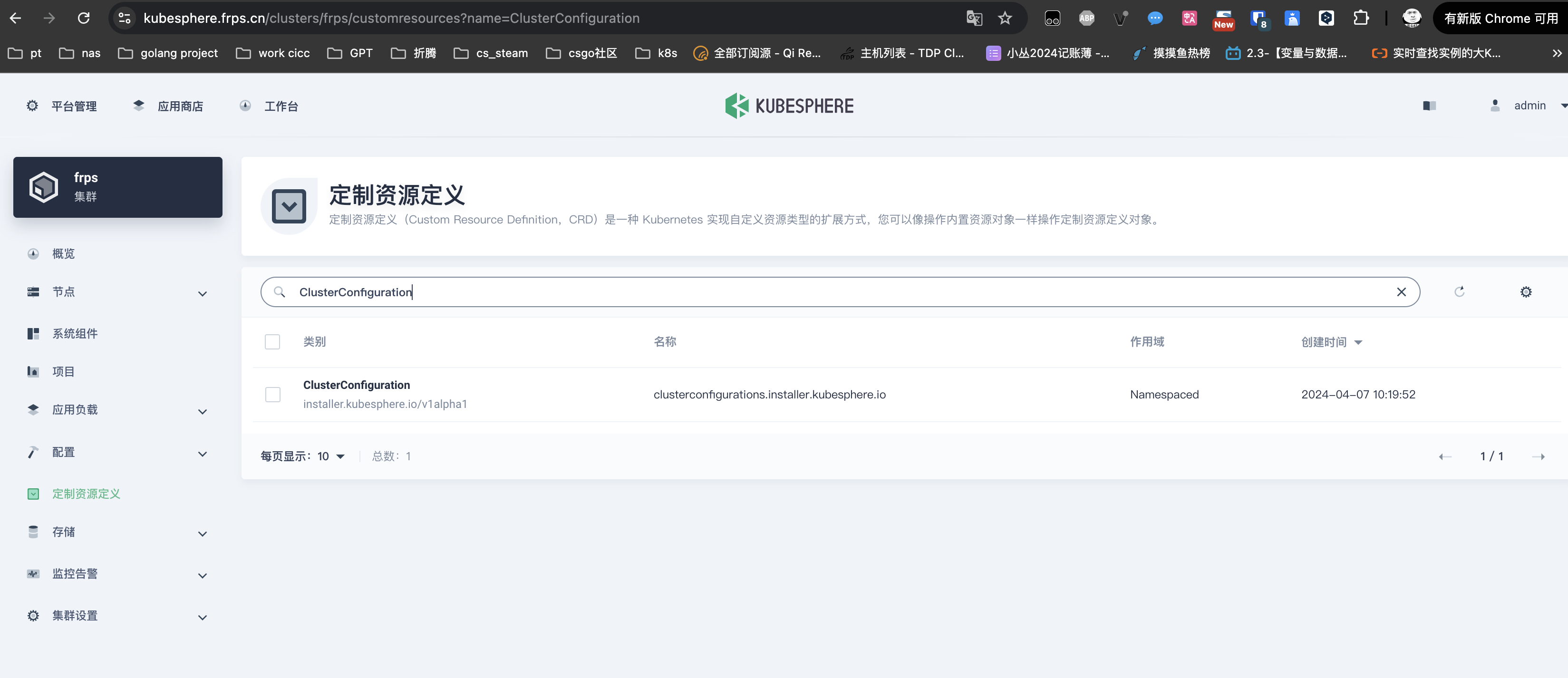
找到ks-install,进行编辑

添加local_reistry配置

local_registry: harbor.frps.cn
#Harbor.frps.cn为私有镜像地址,也可以使用阿里云加速地址
接下来我们调整系统组件镜像地址
找到ks-apiserver

修改镜像地址

image: 'harbor.frps.cn/dockerhub/kubesphere/ks-apiserver:v3.4.1'
其它组件也可以按照这个方法修改,我这里使用的是Harbor,也可以使用阿里云的代理地址