1、系统时间查看
date检查当前你服务器的时间和你现在时间。
2、查看系统时区
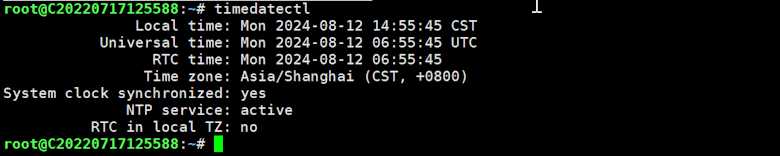
timedatectl输出:
Local time: Mon 2024-08-12 14:55:45 CST
Universal time: Mon 2024-08-12 06:55:45 UTC
RTC time: Mon 2024-08-12 06:55:45
Time zone: Asia/Shanghai (CST, +0800)
System clock synchronized: yes
NTP service: active
RTC in local TZ: no
备注:看看时区是不是我们需要的SHANGHAI。
3、修改系统时区
sudo timedatectl set-timezone Asia/Shanghai如果需要修改时区用这里的代码。
4、再次查看系统时区
timedatectl5、安装ntpdate
sudo apt-get install ntpdate6、同步时间
sudo ntpdate cn.pool.ntp.org7、再次查看系统时间
date检查是不是完成。