比如我们常用的iptables防火墙工具在CentOS7中默认的并没有安装,而是用的firewalld,如果需要用到iptables则需要新安装"yum install iptabes-services"。在这篇文章中,老蒋就来整理一下firewalld防火墙在CentOS7中的常用的几个命令,以后遇到有 需要的时候直接使用,因为记忆开始不好就懒得记忆。
第一、firewalld常用命令
1、查看firewall状态
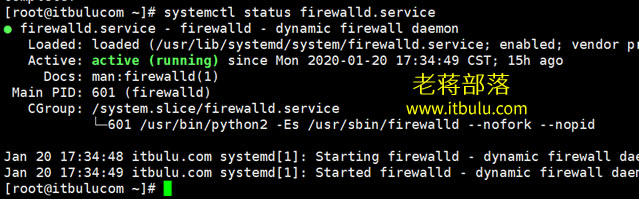
> systemctl status firewalld.service
2、开启firewall防火墙
> systemctl start firewalld.service
3、停止firewall防火墙
> systemctl stop firewalld.service
4、重启firewall防火墙
> systemctl restart firewalld.service
5、禁止firewall开机启动
> systemctl disable firewalld.service
6、设置开机启动firewall
> systemctl enable firewalld.service
第二、iptables安装和使用
如果我们还是喜欢使用iptables则需要安装对应的服务后才 可以使用。

> #先检查是否安装了iptables
> service iptables status
> #安装iptables
> yum install -y iptables
> #升级iptables
> yum update iptables
> #安装iptables-services
> yum install iptables-services -y
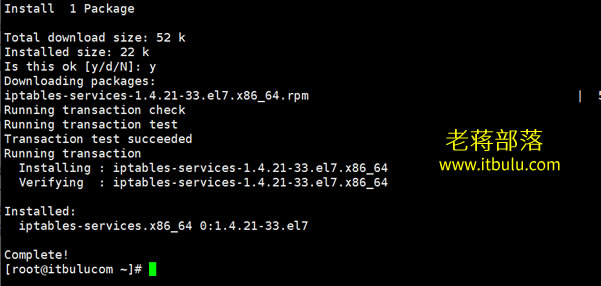
我们需要禁止自带的防火墙
> #停止firewalld服务
> systemctl stop firewalld
> #禁用firewalld服务
> systemctl mask firewalld
总之个人建议如果我们使用的CentOS7系统的,建议不要用iptables ,用默认的比较好。
第三、端口的基本设置
1、开放端口
> firewall-cmd --zone=public --add-port=80/tcp --permanent
2、重新载入
> firewall-cmd --reload
3、查看对应端口
> firewall-cmd --zone=public --query-port=80/tcp
4、删除端口
> firewall-cmd --zone=public --remove-port=80/tcp --permanent
总结,到CentOS7系统中常用的命令没有太多变化,防火墙命令是变化比较大的。