第一、Disable Google Fonts插件
> 插件地址:https://wordpress.org/plugins/disable-google-fonts/
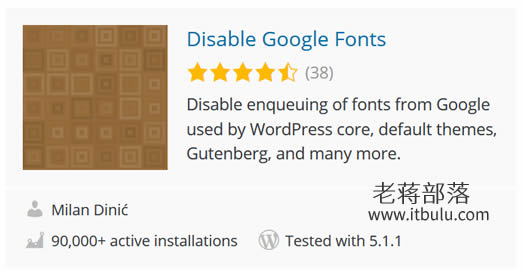
直接启动Disable Google Fonts插件就可以。
第二、无插件代码方式
> function remove_open_sans_from_wp_core() {
> wp_deregister_style( 'open-sans' );
> wp_register_style( 'open-sans', false );
> wp_enqueue_style('open-sans',");
> }
> add_action( 'init', 'remove_open_sans_from_wp_core' );
这样我们就可以禁止加载的Google Open Sans字体。
不过,如果我们在安装插件之后还发现有谷歌字体的话,我们有必要再看看主题文件或者CSS中是不是有强制引用字体。